Does your device not appear?
Please follow the steps below when your iPhone or iPad does not appear via Wi-Fi in coconutBattery.
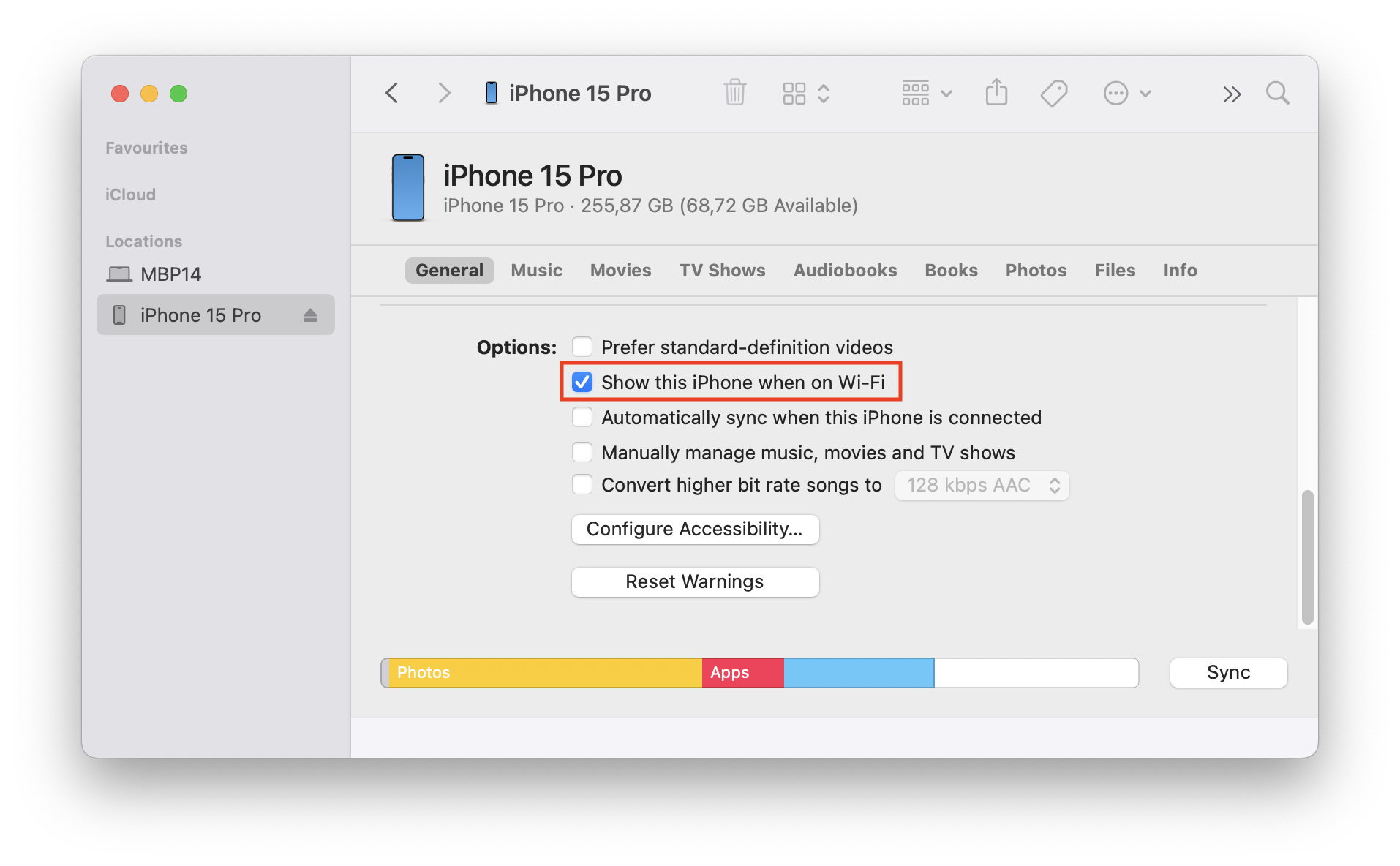
Enable Wi-Fi Sync in Finder
First, connect your iPhone/iPad via USB to your Mac. Then open the Finder, navigate to your device in the sidebar, and ensure the "Show this iPhone when on Wi-Fi" option is enabled.